No shortcut. No window. It just appears.
Speak naturally. Type instantly.
Click into any text field on your Mac and a mic appears beside it. Click it, speak, click again. Your words land, and in chat they're already sent.
100% free · macOS 26+

Integrations
Works anywhere you can type
ChatGPT, Slack, Notion, Cursor…
You say it, VoiceClick types it.
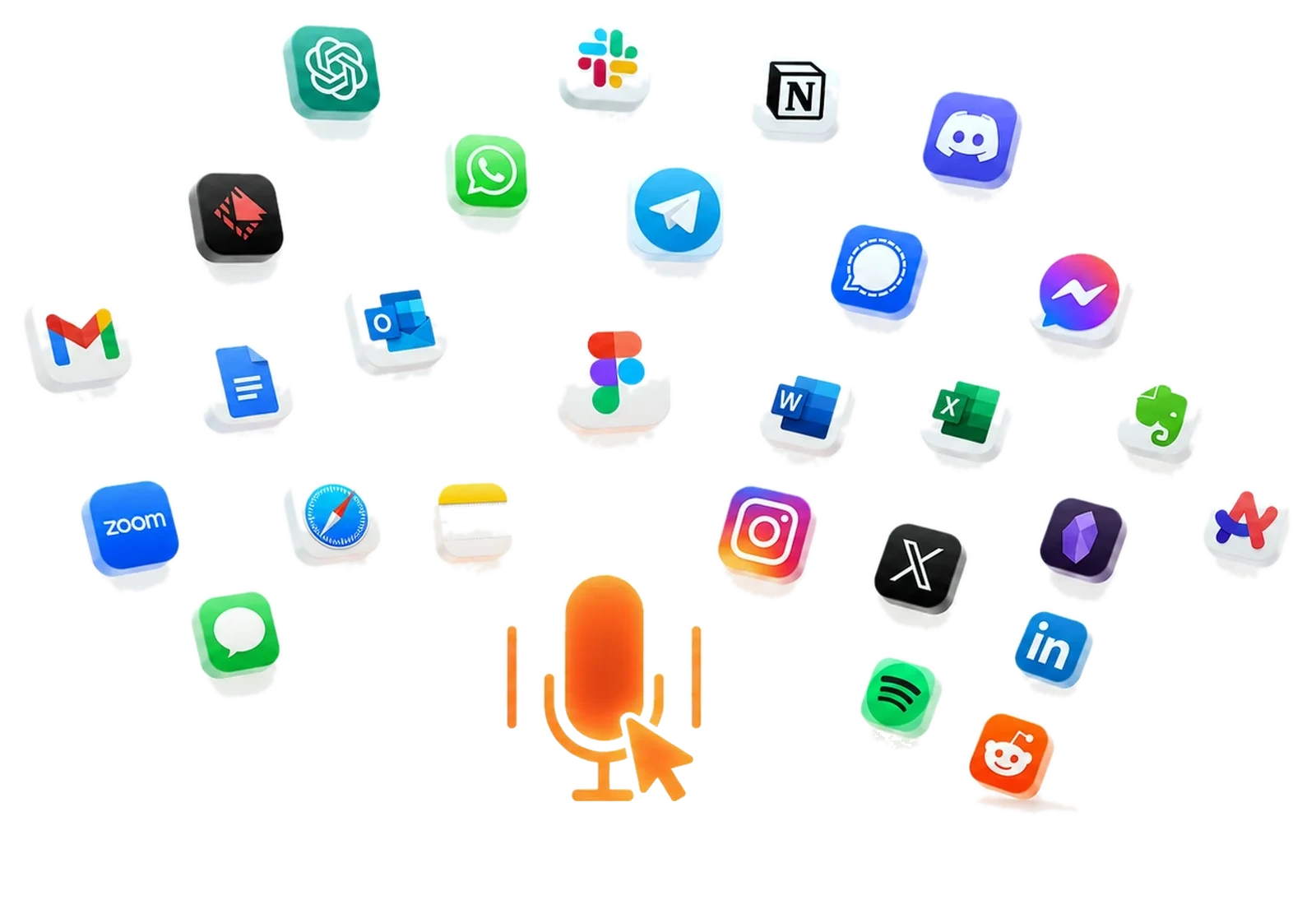
Every app you type in, orbiting one VoiceClick mic.
Live demo
Two clicks, start to sent.
What you get
Small app. Serious depth.
Built on Apple's
own engines
“Umm”
never makes
the cut
fillers vanish before they land
150
words per minute of speech.
You type about 45.

VoiceClick for macOS
Signed with an Apple Developer ID and notarized by Apple. Download, drag it to Applications, click any text field. That’s the entire setup.
3 MBlight
the whole app
Never lose
a word
clipboard rescue built in
Your words,
your spelling
personal dictionary: teach it names once — and when it keeps fixing the same name, it offers to remember it for you
Email sounds like email.
Chat sounds like chat.
tone follows the app you’re in — email even lands with your greeting on its own line and real paragraphs
“No wait,
I mean…”
correct yourself mid-sentence; only the fixed version lands
Select. Right-click.
Rewritten.
rewrite any text in any app, in place — on your Mac, never in a cloud
Speak your language.
Type English.
on-device translation from the language you dictate in — flip it on in Settings
Your address,
one click
save emails and snippets once; insert them anywhere from the right-click menu
OTPs, arrows, Tab —
no keyboard
a floating key pad: digits, cursor keys and Tab, fully mouse-driven
Text lands
your way
as you speak, or all at once the moment you stop
54
languages, including
real mixed Hinglish
English · हिन्दी Hinglish · Español · Français · Deutsch · Português · Italiano · 日本語 · 한국어 · العربية · 中文 · and 43 more — switch any time from the menu bar
The pill that
hears you
a live waveform of your actual voice, so you always know when it’s listening
Even Enter is
a mouse click
right-click the mic for keys,
or just say the command
“…shipping tonight, press enter”: finish a dictation with the words and VoiceClick presses the key for you. Say new line for a line break, or make it a list and your words land as bullet points. Your keyboard can stay in the drawer.
The problem
Dictation apps got greedy.
The popular dictation tools stream every word you speak to their cloud: your emails, your ideas, your client's confidential brief. Then they charge you $144+ every single year for the privilege. Miss a payment, lose your workflow.
We think that's backwards. Your Mac already has a world-class speech engine and an on-device AI built in. VoiceClick simply connects them to every text field on your screen, beautifully, and gets out of the way. You pay once. Your voice stays yours.
We believe good tools should feel invisible. VoiceClick turns speech into text with one click, helping ideas move as fast as thought.
It works in notes, docs, chats, browsers, and anywhere you type on macOS. Clear, immediate, and human.
VoiceClick. Speak. Click. Type.
How it works
Your hand never leaves the mouse.
No hotkeys to memorise. No windows to juggle. No setup per app.
Click any text field
Email, browser, Notion, Terminal: the moment you click where text goes, the mic pill appears beside it.
Click the pill & talk
The pill becomes a live waveform dancing with your voice, and your words appear as you speak them.
Click again. Done.
Punctuation lands, umms vanish, misheard words get fixed, and Enter can be pressed for you.
Privacy
A few ways VoiceClick keeps your voice yours.
Polished by
Apple Intelligence
on device, always
Exactly
0 bytes
uploaded, ever.
There is no networking code inside.
Works
100%
offline
full recognition
with Wi-Fi off
Password fields
hard-blocked,
always
Verify it yourself
one Terminal command
Recognition on the Neural Engine
inside your Mac's own chip
The part nobody else does
It knows the difference between writing and sending.
Every other dictation tool dumps text and leaves you to finish the job. VoiceClick reads the field you’re in and finishes it for you.
Your words land where the cursor is. Nothing is sent. Keep going.
Second click sends it. Enter is pressed for you. Hands never leave the conversation.
Anywhere you type
If there’s a text field, there’s a mic.
The honest comparison
Same speed. None of the strings.

|
Cloud dictation appsWispr Flow & co. | |
|---|---|---|
| Your voice is processed on | Your Mac | Their US cloud servers |
| Works offline | Yes, fully | No |
| Account required | None | Sign-up + login |
| Free usage limits | No limits | ~2,000 words / week |
| Price | One-time purchase | $144+ every year |
| Activation | Two clicks, mouse only | Hold a keyboard hotkey |
| Pressing Enter | Auto in chat, by mouse, or by voice | You press it yourself |
| Password-field protection | Hard-blocked, always | None |
Cloud column reflects Wispr Flow's published pricing and security FAQ, July 2026. They make a genuinely fast product. It just lives in their cloud, on their meter.
Deeper dives: VoiceClick vs Wispr Flow · VoiceClick vs Superwhisper
Pricing
One price.
Lifetime access.
Pay once. VoiceClick is yours,
on your Mac, forever.
 VoiceClick for macOS
Launch price for early users 🎉
- Free 7-day trial, full features, no account
- 14-day money-back guarantee
- All 1.x updates included
- All 54 languages, all features
- 100% on-device, works fully offline
Prices in USD. Requires macOS 26 (Tahoe) or later · Apple Silicon.
Questions
Fair questions, straight answers.
Is my voice really never uploaded?
Really. VoiceClick ships with zero networking code: no analytics SDK, no crash reporter, no update pings, nothing. Speech recognition and AI polish both run on Apple's on-device engines. Don't take our word for it: run lsof -i -a -c VoiceClick in Terminal or point Little Snitch at it. You'll find silence.
Why does it need macOS 26?
VoiceClick is built on Apple's newest on-device speech engine (SpeechAnalyzer) and Apple Intelligence, both introduced with macOS 26. That's what makes cloud-free dictation this good possible. Supporting older systems would mean shipping worse, slower recognition.
Which languages are supported?
54 locales, including English, Hindi, Spanish, French, German, Arabic, Japanese, Korean and Mandarin. Mixed Hindi–English speech comes out as natural Hinglish. Switch languages any time from the menu bar.
Does it work in the Terminal and code editors?
Yes, and thoughtfully. In terminals, AI polish automatically disables itself so commands are transcribed exactly as spoken, character for character. In editors and everywhere else you get the full polished experience.
Why isn't it on the Mac App Store?
Typing into other apps requires macOS Accessibility access, which App Store sandbox rules forbid, for every app, not just ours. Instead, VoiceClick is signed with an Apple Developer ID and notarized by Apple, the same trusted distribution used by apps like Raycast and Alfred.
Can I press Enter without touching the keyboard?
Yes, two ways. Right-click the mic pill (or hold right-click anywhere) for a menu with Press Enter, Press Escape, Clear Field, Undo and Take Screenshot. Or simply end your dictation with the words “press enter”: the phrase is removed from your text and the key is pressed for you. “New line” works the same way for a line break.
Is there a free trial?
Yes. Every download starts a 7-day trial with every feature unlocked, no account and no card. When it ends, one $5.99 purchase makes it yours for good, with a 14-day money-back guarantee on top.
What exactly do I get for $5.99?
A lifetime license for VoiceClick, every 1.x update, all languages and features. No tiers, no unlocks, no subscription. If it's not for you, there's a 14-day money-back guarantee, no questions asked.
Your Mac can already type
at the speed of speech.
Two clicks from now, so can you.
Download for macOS$5.99 once · macOS 26+